.jpg)
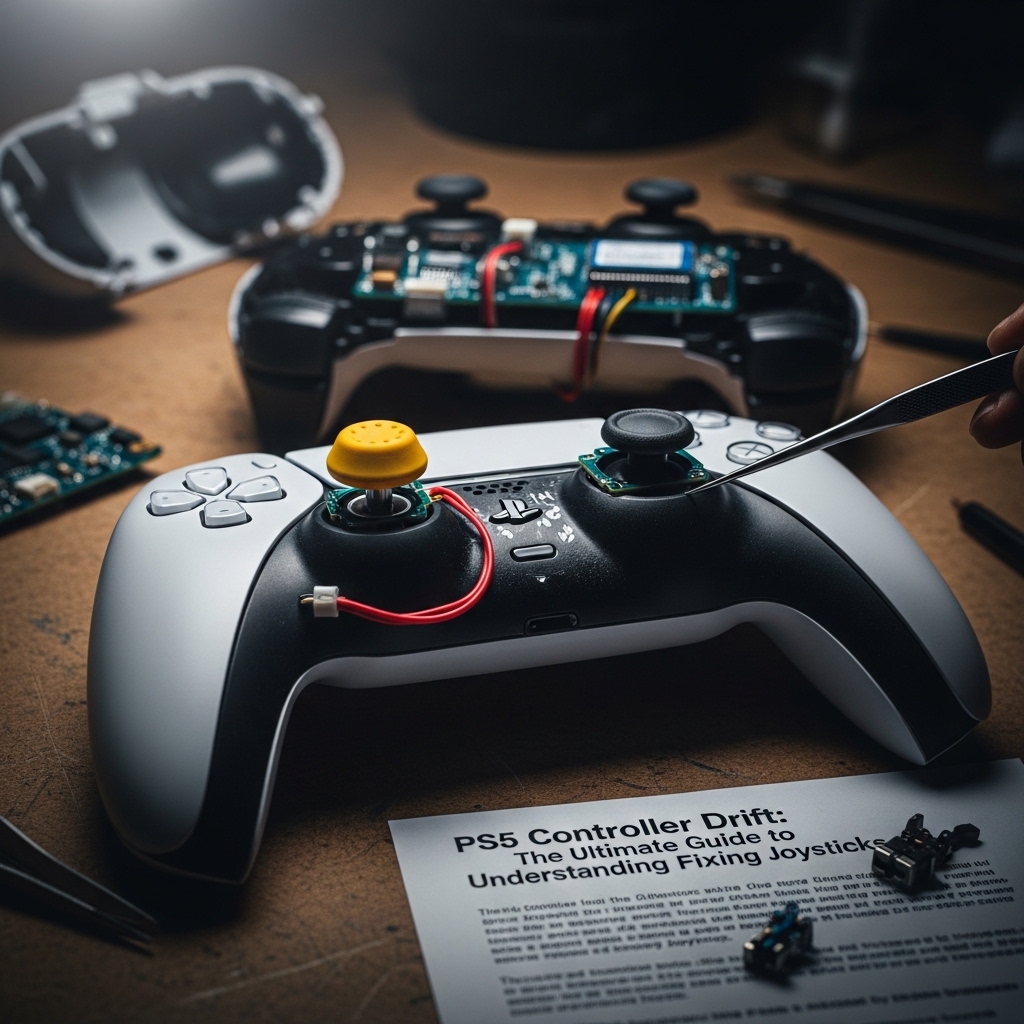
You’re right in the middle of a game on your PS5. You have your crosshairs locked onto the target. You are focused on that turn in a racing game. Then suddenly your character starts moving on its own. The camera swivels, even though you have not touched the joystick on your PS5 controller. This is really frustrating. It can ruin our game. You feel like you are doing everything.. Your PS5 controller is not listening to you.Feels like breaking the joystick
If this sounds familiar to you you are dealing with PS5 controller drift. A lot of gamers have this problem with their PS5 controllers. The good news is that most of the time it can be fixed. You can get your PS5 controller working again like new.
In this guide i will walk you through what PS5 controller drift’s explore the reasons why it happens to your PS5 controller and give you a step-by-step plan to fix it. From home fixes to repair we will help you get your joystick working perfectly again on your PS5.
💡 What is Controller Drift on the PS5?
PS5 controller drift is when your joystick on the PS5 controller sends signals to the PS5 telling the game that it is moving, even when your fingers are not touching the stick on the PS5 controller. This is not a software problem with the PS5. It is usually an issue with the analog stick mechanism inside the PS5 controller. You can think of it like a car that has a steering wheel. The car will keep moving when you are not touching the wheel.
What does PS5 controller drift look like when you are playing games on your PS5? You will see your character moving around on its own towards left or right or in some direction. You will see the camera spinning. You will have trouble aiming because your crosshairs are shaking on the PS5 screen.
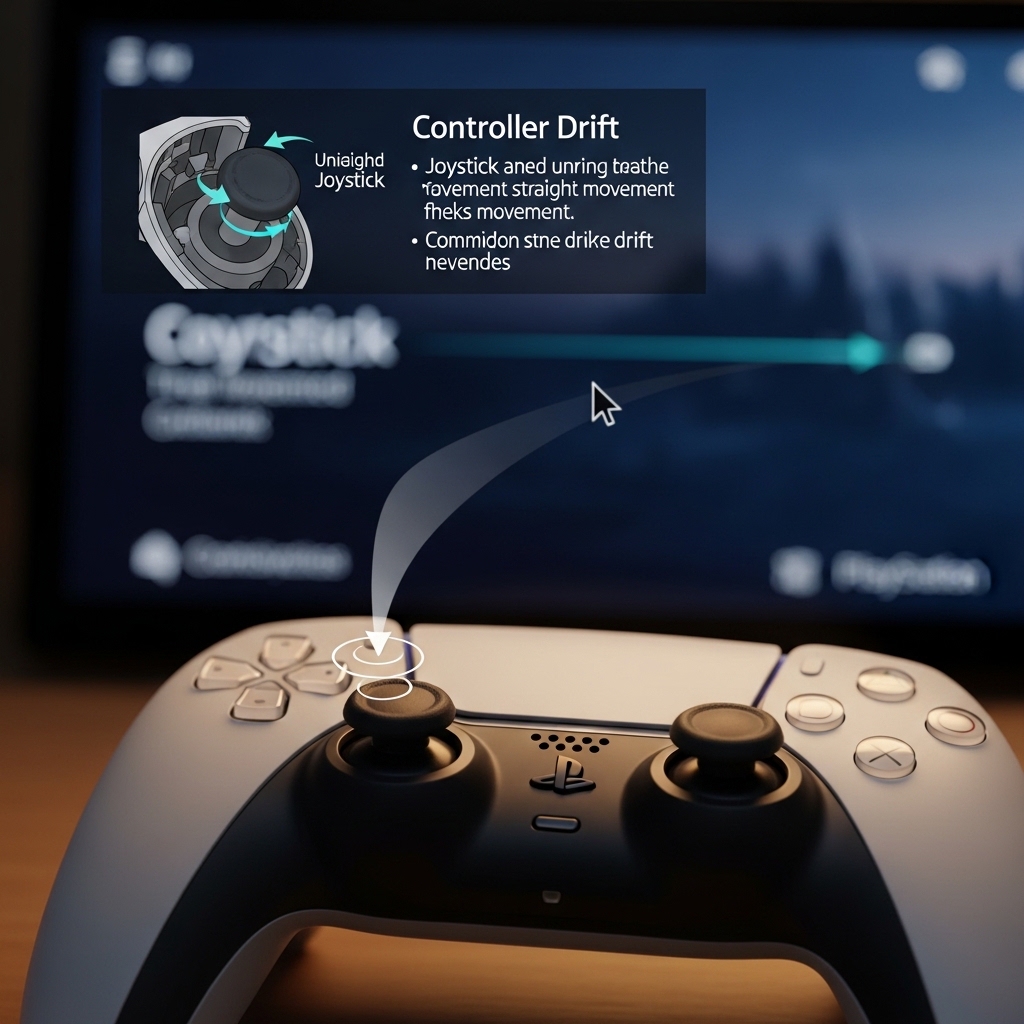
🛠️ Why Does My PS5 Controller Start Drifting?
It is rarely the games fault on the PS5. PS5 controller drift is always related to wear and tear or environmental factors that affect the components of the joystick on the PS5 controller. Here are the common reasons:
- Natural wear and tear is one reason. Joysticks on the PS5 controller are parts that can get old. Over time the internal sensors and parts can degrade.
- Dirt and debris are another reason. Dust, hair and grime can get stuck inside the joints of the analog stick on the PS5 controller.
- Moisture and sweat are also a reason. If you sweat a lot while playing games on your PS5 it can introduce minerals and moisture that temporarily affect the sensor readings on the PS5 controller.
- Physical stress is a reason. Playing for a time or moving the joystick aggressively can put stress on the delicate internal wiring of the PS5 controller.
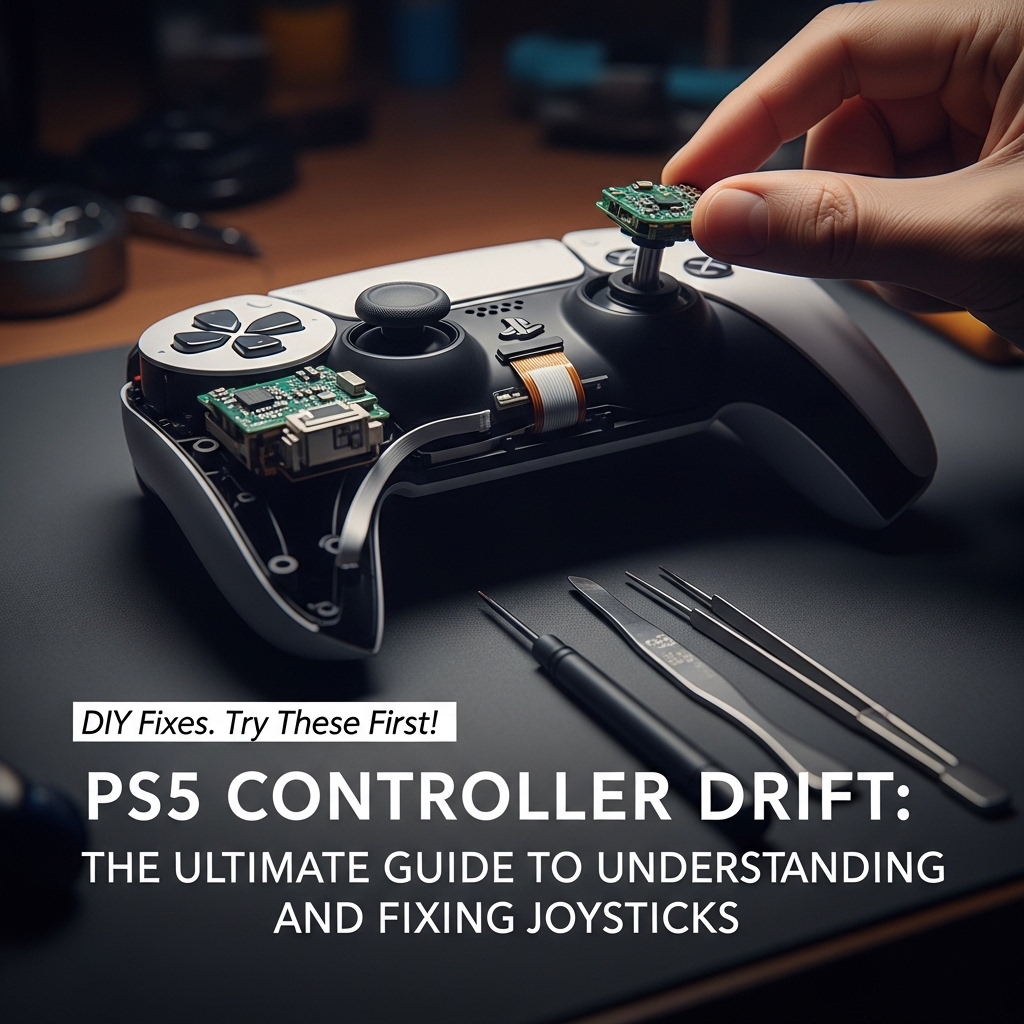
⚙️ DIY Fixes. Try These First!
Before you spend money on a repair or a replacement for your PS5 controller there are things you can try at home. Start with these. Work your way down.
✅ Quick Fix 1: Simple Cleaning of the PS5 Controller
Use a can of air to blow air into the gaps around the analog sticks on the PS5 controller. This can often get rid of surface-level dust and debris. Be gentle so you do not push the dirt into the PS5 controller.
💡 Quick Fix 2: The Deep Clean of the PS5 Controller
If air does not work you can use a cotton swab with 90% isopropyl alcohol to clean around the seams of the joystick on the PS5 controller. Alcohol evaporates quickly. It is generally safe for the electronics of the PS5 controller.
🔄 Quick Fix 3: The System Reset of the PS5
Sometimes the console itself needs a refresh. Turn off your PS5 locate the reset button on the back of the PS5 controller use a paperclip or pin to hold it down for 5-10 seconds and then reconnect the PS5 controller.
💻 Quick Fix 4: System Software Check on the PS5
Make sure your PS5 console and your PS5 controller have the firmware updates. Outdated software can sometimes cause problems with the PS5 controller.
⚠️ When DIY Fails. Help for the PS5 Controller
If you have tried all of the above and the drift persists the issue is deeper than surface dust. It means the internal sensors or the joystick module itself is worn out on the PS5 controller. This is where you need an expert to take a look at your PS5 controller.
⚖️ Repair vs. Replace: Making the Decision for the PS5 Controller
| Scenario | Recommendation | Rationale |
|---|---|---|
| Moderate Drift (wandering) | Repair | A simple joystick replacement is usually cost-effective and fast for the PS5 controller. |
| Severe Drift (movement) | Consider Replacing | If multiple components are failing a new PS5 controller might be better. |
| The PS5 Controller is Old (5+ years) | Repair First | Check the cost. If the repair quote is high you might weigh the cost against buying a PS5 controller. |
📍 Getting Your PS5 Controller Repaired in Chennai
If you are in Chennai getting a repair is often the budget- reliable option for the PS5 controller. Because the issue is mechanical specialized repair services can often fix the problem far cheaper and faster than buying an unit for the PS5.
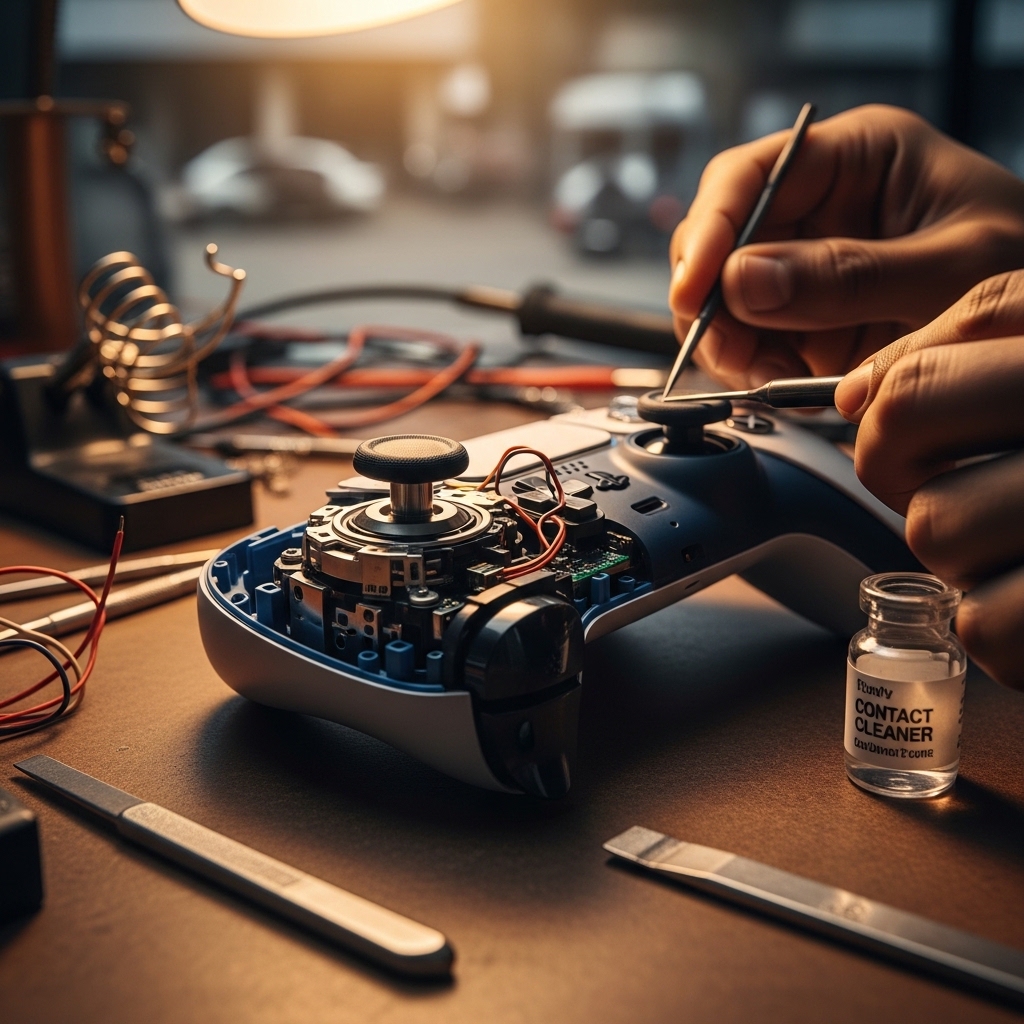
When getting quotes look for services that offer:
- Diagnosis: A understanding of why its drifting on the PS5 controller.
- Parts: replacement of the joystick module on the PS5 controller.
- Warranty: A guarantee on the repair itself for the PS5 controller.
🚀 Pro Tips: How to Prevent Future Drift on the PS5 Controller
The way to fix the problem is to prevent it. Follow these habits to extend the life of your PS5 controller:
- Keep it Clean: Develop a routine of wiping the sticks and buttons after every gaming session on the PS5.
- Use Proper Storage: Do not toss it into a drawer. Use a stand or case that keeps the sticks stable on the PS5 controller.
- Stay Dry: Avoid gaming in environments. While sweating heavily on the PS5.
- Handle With Care: Always remember that dropping the PS5 controller is the way to cause damage to the PS5 controller.
✨ Conclusion. Strong Takeaway)
PS5 controller drift is a gaming problem on the PS5. It is not a disaster. By understanding the root causes and by following an approach starting with fixes and escalating to service only when necessary you can get back, to the thrilling uninterrupted gaming experience you deserve on your PS5.
Happy gaming! 😊

Abdul is a gaming enthusiast and console expert based in Chennai, with hands-on experience in PlayStation and Xbox systems. He regularly follows the latest gaming news, hardware updates, and industry trends to help gamers make better decisions. Through Moosa Games, he shares practical insights, honest opinions, and real-world gaming knowledge.